Introduction
Understanding Workday HCM concepts is important, but practical HR system management requires more than knowing definitions. Functional users and administrators need to analyze business requirements, maintain accurate worker data, support transactions, review security, validate reports, troubleshoot processes, and coordinate data changes.
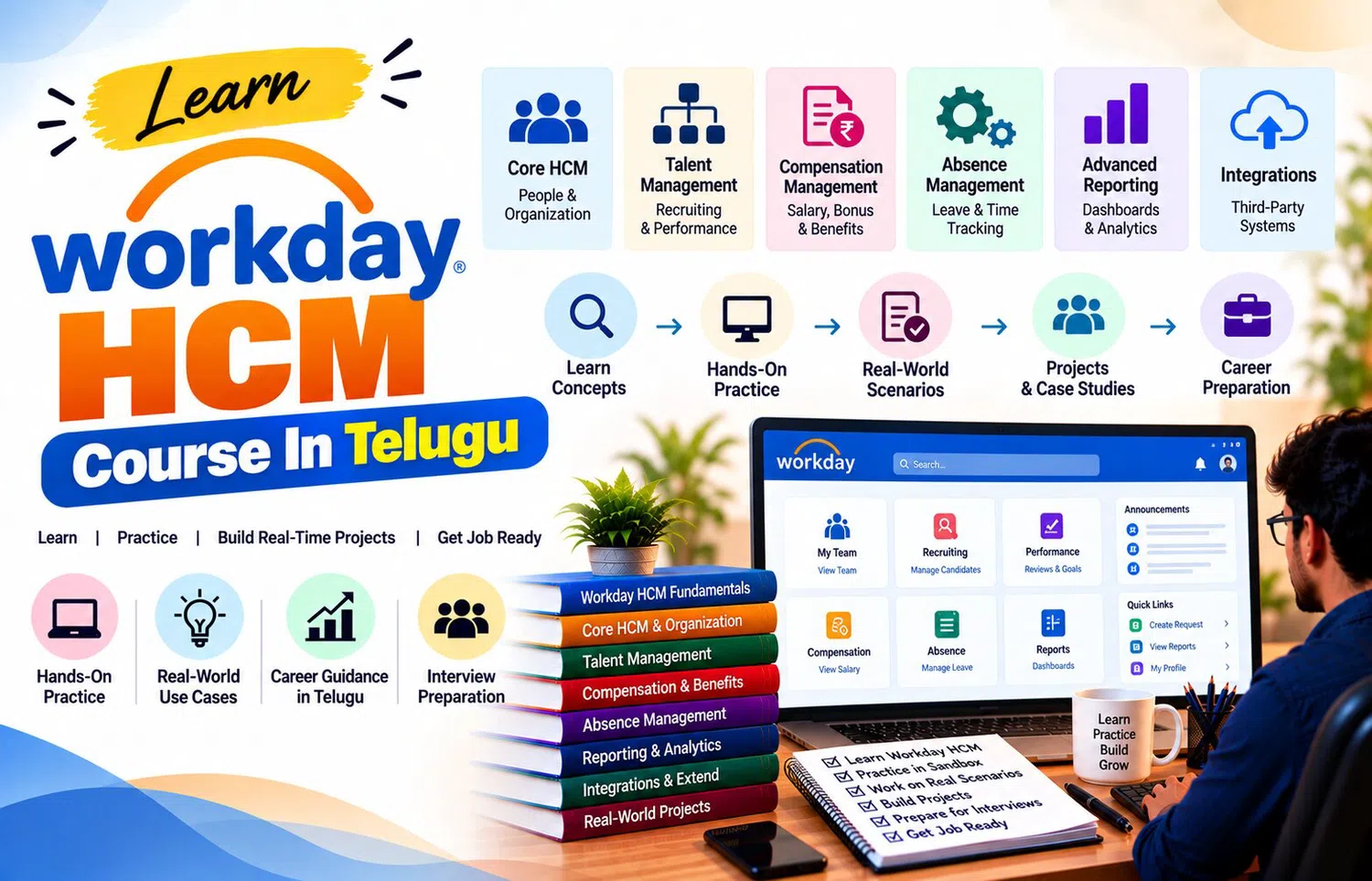
A Workday HCM Course In Telugu can help learners develop practical skills by connecting HCM concepts with day-to-day system-management activities. Instead of focusing only on navigation, learners can practice how to investigate problems, test configurations, review data, and support HR operations.
The goal is to develop reliable problem-solving habits that can be applied across different Workday business scenarios.
Skill 1: Understand the Business Requirement
Before making any system change, understand the HR need.
For example:
“Manager cannot see employee.”
is not enough.
Ask:
Which manager?
Which employee?
Which organization?
What information should be visible?
Was the worker recently transferred?
A clear requirement helps avoid unnecessary configuration changes.
Skill 2: Understand Worker Data
Learn to review important worker information such as:
Job.
Position.
Manager.
Supervisory Organization.
Company.
Location.
Worker Type.
Employment Status.
Effective Dates.
Worker data is often the first place to investigate when a transaction or report behaves unexpectedly.
Skill 3: Understand Organizational Structure
Practical HCM support requires understanding:
Supervisory Organizations.
Companies.
Cost Centers.
Locations.
Custom Organizations.
A worker's organization can influence:
Manager access.
HR responsibility.
Approval routing.
Reporting.
Staffing.
An incorrect organization assignment may create several downstream issues.
Skill 4: Understand Business Process History
When a transaction is pending, review:
Current step.
Completed steps.
Pending approval.
Condition rules.
Responsible role.
Instead of assuming the workflow failed, identify exactly where it stopped.
Process history can answer many support questions quickly.
Skill 5: Review Security Carefully
Security-related troubleshooting should ask:
Which user is affected?
Which role do they have?
Which organization is assigned?
Can they view the data?
Can they perform the process action?
Does the report respect their security?
Test both allowed and restricted access.
Security problems require careful changes because excessive access can expose sensitive information.
Skill 6: Understand Effective Dating
Many HCM problems are actually date misunderstandings.
Example:
Promotion entered today.
Effective next month.
Current worker page may still show today's role in selected contexts.
A report run for a future effective date may show something different.
Always ask:
What is the effective date?
What date is the report using?
This is a crucial troubleshooting habit.
Skill 7: Validate Staffing Information
For staffing issues, check:
Staffing Model.
Position Status.
Job Profile.
Supervisory Organization.
Location.
Worker Type.
Availability.
For example, if recruitment cannot proceed, the position may not be available or properly configured.
Understanding staffing structures makes support easier.
Skill 8: Support Hiring Transactions
A practical hire review may check:
Correct candidate.
Correct position.
Correct organization.
Correct manager.
Correct job.
Compensation.
Start date.
Required approvals.
The hire process should be tested from initiation through completion.
Do not review only the first screen.
Skill 9: Support Job Changes
Job changes may affect several areas.
Review:
Job Profile.
Position.
Manager.
Organization.
Location.
Compensation.
Effective Date.
A partial review can miss an important downstream impact.
For example, changing organization may also change HR support roles.
Skill 10: Understand Compensation Data
Learn how to review:
Base pay.
Compensation plans.
Eligibility.
Effective dates.
Approval steps.
Compensation is sensitive, so practical work should always consider:
Security.
Privacy.
Approval rules.
Auditability.
Do not use unrestricted access simply because troubleshooting is easier.
Skill 11: Understand Absence and Time Data
For an absence issue, ask:
Is the worker eligible?
Does the worker have balance?
Is the plan assigned?
Is the date valid?
Who should approve?
For time tracking, check:
Schedule.
Time entry.
Time code.
Approval.
These questions provide a structured troubleshooting path.
Skill 12: Build Useful Reports
Practical report-building begins with a business question.
Example:
“Show active workers in Hyderabad who joined this year.”
Then identify:
Data Source.
Fields.
Filters.
Prompt.
Calculated Fields.
Security.
Validate the output using known worker examples.
Report quality is more important than report complexity.
Skill 13: Use Calculated Fields Carefully
Before creating a calculated field, ask:
Does a standard field already exist?
What exactly should the new field calculate?
Which business object contains the source data?
Will the calculation work for all worker scenarios?
Unnecessary calculated fields can make reports difficult to maintain.
Use them only when they solve a clear requirement.
Skill 14: Validate Integration Data
When reviewing an integration, check:
Source population.
Fields.
Mapping.
Format.
Security.
Errors.
Record counts.
A technically completed integration may still have missing records.
Always reconcile expected and actual results.
This is especially important for payroll and other sensitive downstream processes.
Skill 15: Troubleshoot Data Loads
Bulk updates can fail because of:
Invalid IDs.
Missing required fields.
Incorrect formats.
Security.
Business-rule violations.
A good troubleshooting process is:
Review error.
Find affected row.
Correct source data.
Retest small sample.
Run again.
Reconcile.
Avoid repeatedly rerunning the same invalid file without understanding the error.
Skill 16: Test Changes Before Production
Configuration changes can affect many workers.
Test in an appropriate non-production environment where available.
Check:
Normal scenario.
Exception scenario.
Different role.
Different organization.
Future effective date.
Reporting impact.
Security impact.
Testing should reflect actual business usage.
Skill 17: Document Configuration Changes
For every meaningful change, record:
Requirement.
Current behavior.
New behavior.
Configuration changed.
Test scenarios.
Result.
This helps future support teams understand why the change was made.
Documentation also reduces repeated investigation.
Skill 18: Communicate with HR Teams Clearly
Technical knowledge alone is not enough.
Functional support requires clear communication with:
HR.
Recruiting.
Compensation.
Managers.
IT.
Integrations teams.
Avoid unnecessary technical terminology when explaining business impact.
For example:
Instead of only saying “domain security issue,” explain which data the user cannot access and why.
Skill 19: Separate Data Issue from Configuration Issue
A process problem may be caused by:
Wrong worker data.
Wrong organization.
Wrong role.
Wrong configuration.
Incorrect condition.
Integration delay.
Do not change configuration before confirming the root cause.
Sometimes correcting one worker record is the right solution.
Other times, the process itself needs redesign.
Skill 20: Understand Downstream Impact
One HCM change may affect:
Reports.
Security.
Integrations.
Recruiting.
Compensation.
Absence.
Payroll-related processes.
For example, changing a worker's company may affect more than organizational reporting.
Practical HR system management requires thinking beyond the immediate transaction.
What Makes Someone Effective at HCM System Management?
Useful skills include:
Business understanding.
Attention to data.
Process analysis.
Security awareness.
Testing.
Reporting.
Troubleshooting.
Documentation.
Communication.
The strongest functional users know how to connect a business question with the relevant Workday objects and processes.
How Can Telugu Learners Develop Practical Skills?
Learners from Telangana, Andhra Pradesh, and other Telugu-speaking regions can use scenario-based practice.
Choose one scenario each day.
Examples:
Worker transfer.
Promotion.
Security issue.
Report mismatch.
Failed integration.
Absence problem.
For each scenario, document:
Problem.
Possible causes.
Data to check.
Process to review.
Security to verify.
Expected solution.
This develops analytical ability.
A Practical HR System Exercise
Problem:
Manager cannot see a newly transferred employee.
Investigation:
Check transfer completion.
Check effective date.
Check new supervisory organization.
Check manager assignment.
Check manager role.
Review security.
Test worker visibility.
Validate relevant report.
This demonstrates a structured support process.
Frequently Asked Questions
Is Workday HCM system management only about configuration?
No. It also involves worker data, process support, security, reporting, integrations, testing, and troubleshooting.
Why is business understanding important?
Because Workday configuration should support HR policies and real organizational processes.
Should every issue be solved by changing configuration?
No. Some issues come from incorrect data, role assignments, timing, or incomplete transactions.
Why is testing important before a change is released?
A configuration change can affect multiple worker groups and processes, so testing helps identify unexpected impact.
Conclusion
A Workday HCM Course In Telugu can help learners build practical HR system-management skills by connecting worker data, organizations, business processes, security, reporting, and integrations.
The strongest learners do not focus only on completing tasks.
They learn how to investigate:
What changed?
Who is affected?
Which business rule applies?
What data is incorrect?
What downstream process may be impacted?
When learners develop this structured approach, they become better prepared to support real HR-system scenarios accurately and responsibly.