Introduction
SQL can be learned in stages. Beginners may start with simple SELECT queries, while advanced learners work with joins, subqueries, window functions, transactions, indexing, normalization, and performance tuning. Trying to learn everything at once can make database concepts feel difficult.
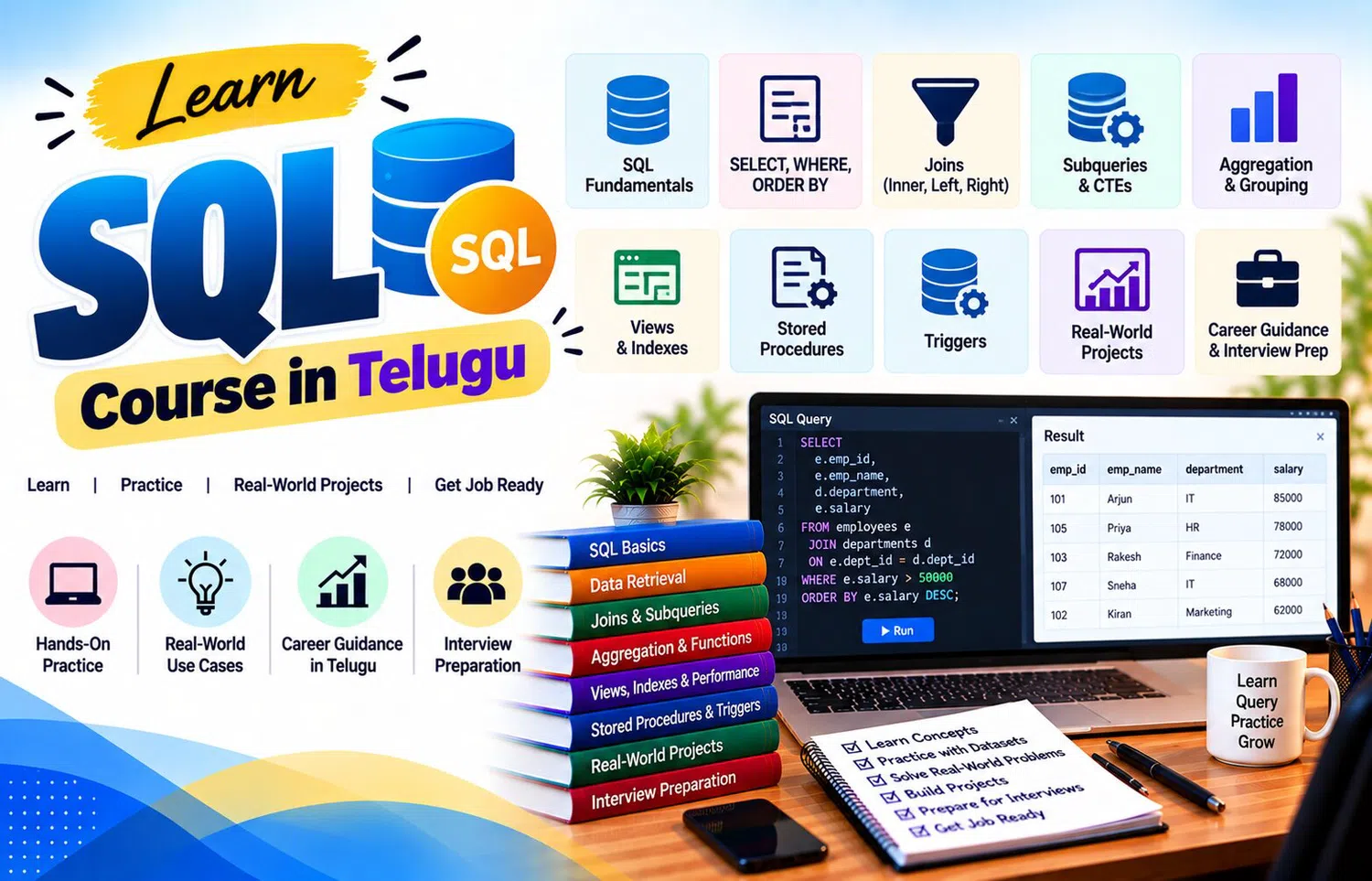
A SQL Course in Telugu can help learners move from basic querying to advanced database concepts through a clear learning path.
The goal is not to memorize every SQL keyword. A strong learner understands how data is structured, how relationships work, how queries answer business questions, and how database design affects performance and reliability.
Step 1: Understand Databases
Start with:
Database.
Table.
Row.
Column.
Schema.
Learn how structured data differs from simple spreadsheets or text files.
Understand why applications use databases for:
Persistence.
Consistency.
Relationships.
Concurrent access.
This foundation makes SQL syntax meaningful.
Step 2: Learn Data Types
Understand common categories such as:
Integer.
Decimal.
Text.
Date.
Timestamp.
Boolean-style values.
Choosing the correct data type affects:
Storage.
Validation.
Sorting.
Calculations.
Good database work starts with correctly represented data.
Step 3: Learn Primary Keys
Every important table needs a reliable way to identify records.
Learn:
Primary Key.
Natural Key.
Surrogate Key.
Understand why names are usually poor identifiers.
Practice designing IDs for:
Customers.
Orders.
Products.
Employees.
Step 4: Learn SELECT
SELECT is the foundation of querying.
Practice:
All columns.
Selected columns.
Aliases.
Calculated columns.
Avoid relying on SELECT * for every query.
Learn to retrieve exactly the information needed.
Step 5: Learn WHERE
Practice conditions using:
=.
.
<.
AND.
OR.
IN.
BETWEEN.
LIKE.
IS NULL.
Filtering is essential for nearly every practical query.
Focus on translating plain-language requirements into logical conditions.
Step 6: Learn ORDER BY
Practice:
Alphabetical sorting.
Highest-to-lowest.
Newest-to-oldest.
Multiple-column sorting.
Remember that result order should not be assumed without ORDER BY.
Explicit sorting makes application and reporting output predictable.
Step 7: Learn DISTINCT
Use DISTINCT to return unique result combinations where logically required.
Examples:
Unique cities.
Unique departments.
Do not use DISTINCT simply to hide repeated rows caused by an incorrect join.
First understand why duplication exists.
Step 8: Learn INSERT
Practice inserting valid records.
Understand:
Required columns.
Default values.
Data types.
Constraints.
Inserting information teaches how table design affects real data.
Try both valid and invalid inputs.
Step 9: Learn UPDATE
Practice modifying records.
Always check:
WHERE condition.
Affected rows.
Business impact.
A good habit is to run the equivalent SELECT first.
UPDATE without proper filtering can change more data than intended.
Step 10: Learn DELETE
Practice safe deletion.
Understand:
Foreign-key impact.
Cascade behavior.
Soft delete.
Historical records.
Deleting information is a business decision as well as a SQL operation.
Do not treat every record as disposable.
Step 11: Learn Aggregate Functions
Study:
COUNT.
SUM.
AVG.
MIN.
MAX.
Use them to answer:
How many?
How much?
What average?
What highest?
What lowest?
These functions are central to analytics and reporting.
Step 12: Learn GROUP BY
Group records by:
City.
Category.
Department.
Month.
Then calculate summaries.
Practice:
Revenue by city.
Employees by department.
Average marks by course.
GROUP BY turns detail-level tables into useful business summaries.
Step 13: Learn HAVING
Understand:
WHERE → Filter rows.
HAVING → Filter groups.
Example:
Departments with more than 20 employees.
Cities with revenue above a threshold.
This distinction is important for aggregate queries.
Step 14: Learn Relationships
Study:
One-to-One.
One-to-Many.
Many-to-Many.
Understand:
Parent table.
Child table.
Junction table.
Relationships are the foundation of relational database design.
Step 15: Learn Foreign Keys
Foreign keys protect relationships.
Practice connecting:
Customers → Orders.
Departments → Employees.
Students ↔ Courses.
Understand referential integrity.
Test what happens when invalid foreign-key values are inserted.
Step 16: Learn INNER JOIN
Use INNER JOIN when only matched records are required.
Examples:
Customers with orders.
Employees with departments.
Students with enrollments.
Understand why one-to-many relationships create multiple result rows.
Do not confuse repeated parent values with accidental duplicates.
Step 17: Learn LEFT JOIN
Use LEFT JOIN when all records from one main table should remain.
Examples:
Customers without orders.
Products never sold.
Departments without employees.
This is extremely useful for missing-relationship analysis.
Step 18: Learn Multi-Table Joins
Practice joining:
Orders.
Customers.
OrderItems.
Products.
Understand:
Join order.
Key relationships.
Result grain.
Row multiplication.
Before calculating totals, inspect how many rows each join creates.
Step 19: Learn Subqueries
Start with:
Products above average price.
Employees above average salary.
Then learn:
IN.
EXISTS.
NOT EXISTS.
Correlated subqueries.
Subqueries help solve multi-stage logical questions.
Step 20: Learn CTEs
Use Common Table Expressions to make complex queries easier to understand.
Break a problem into stages.
Example:
Monthly Sales.
Monthly Ranking.
Final Report.
CTEs improve readability and make debugging easier.
Step 21: Learn CASE
CASE adds conditional business logic.
Examples:
Customer Segment.
Salary Band.
Stock Status.
Pass/Fail.
Order Size.
CASE is one of the most useful tools for turning raw values into meaningful categories.
Step 22: Learn Window Functions
Move into:
ROW_NUMBER.
RANK.
DENSE_RANK.
LAG.
LEAD.
Running totals.
Window functions support advanced analytics while keeping individual rows visible.
They are especially useful for:
Rankings.
Trends.
Comparisons.
Step 23: Learn NULL Handling
Understand:
IS NULL.
IS NOT NULL.
COALESCE-like functionality depending on platform.
How aggregates treat NULL.
How NULL affects NOT IN and comparisons.
Missing values are one of the most common sources of SQL confusion.
Step 24: Learn Constraints
Study:
PRIMARY KEY.
FOREIGN KEY.
NOT NULL.
UNIQUE.
CHECK.
DEFAULT.
Queries are only part of database work.
Constraints help ensure that the underlying data remains trustworthy.
Step 25: Learn Normalization
Understand:
1NF.
2NF.
3NF.
Learn to identify:
Repeated groups.
Partial dependencies.
Transitive dependencies.
The goal is not to memorize definitions alone.
Practice redesigning poorly organized tables.
Step 26: Learn Transactions
Understand:
BEGIN.
COMMIT.
ROLLBACK.
Exact commands vary by system.
Transactions help ensure several related operations succeed or fail together.
Example:
Order creation and stock update.
Transactions are essential for data consistency.
Step 27: Learn Views
Views can simplify:
Repeated reports.
Complex joins.
Controlled access.
Understand that normal views generally represent queries rather than independent stored copies of data.
Avoid unnecessary layers of nested views.
Step 28: Learn Indexes
Indexes can improve selected query performance.
Study:
Single-column indexes.
Composite indexes.
Unique indexes.
Selectivity.
Use execution plans to determine whether an index helps.
Do not index every column.
Step 29: Learn Stored Procedures and Functions
After core SQL is strong, explore platform-specific database programming.
Learn:
Parameters.
Reusable SQL logic.
Database-side operations.
Functions.
Procedures.
Understand that syntax varies significantly across database systems.
Focus on the purpose before syntax.
Step 30: Learn Query Execution Plans
Use your database's explain tools.
Look for:
Table scans.
Index use.
Join strategy.
Estimated rows.
Execution plans help learners move from writing correct SQL to understanding query performance.
This is a key advanced skill.
Step 31: Learn Performance Tuning
Performance improvements may include:
Better indexes.
Better filtering.
Fewer unnecessary columns.
Correct joins.
Avoiding repeated queries.
Schema improvements.
Query rewrites.
Do not optimize based only on intuition.
Measure before and after.
Step 32: Learn Data Cleaning with SQL
Practice identifying:
NULLs.
Duplicates.
Inconsistent categories.
Outliers.
Invalid dates.
Data cleaning is useful for both application maintenance and analysis.
Always understand whether unusual values are errors before changing them.
Step 33: Learn Analytical SQL
Use SQL for:
Revenue analysis.
Customer behavior.
Employee reporting.
Inventory.
Support metrics.
Product performance.
This connects syntax with real business questions.
Analytical SQL makes practice much more meaningful.
Step 34: Build a Retail Project
Create tables such as:
Customers.
Products.
Orders.
OrderItems.
Practice:
Revenue.
Top customers.
Top products.
Monthly trends.
Unsold products.
Customer ranking.
This project combines many SQL concepts.
Step 35: Build an Employee Analytics Project
Practice:
Department headcount.
Average salary.
New hires.
Manager hierarchy.
Salary ranking.
Employees without assignments.
This project introduces:
Self joins.
Window functions.
Date analysis.
Step 36: Build a Data Quality Project
Take a messy dataset.
Identify:
Duplicates.
Missing values.
Invalid categories.
Broken references.
Create validation queries.
This develops an often-overlooked SQL skill:
Knowing whether the data itself can be trusted.
Step 37: Practice Query Validation
For every important query:
Check sample records.
Compare counts.
Inspect NULLs.
Verify totals.
Confirm join grain.
Do not assume a successful query is a correct query.
Validation is part of professional SQL work.
Step 38: Learn Database Security Basics
Understand concepts such as:
Users.
Roles.
Privileges.
Read access.
Write access.
Least privilege.
Database security should ensure users receive only the permissions required for their work.
The exact implementation depends on the database system.
Step 39: Learn Backups and Recovery Concepts
Database management also includes protecting data from loss.
Understand:
Backup.
Restore.
Recovery.
Production databases need a recovery strategy.
Even developers and analysts benefit from knowing why backups matter before major data changes.
Step 40: Keep Practicing Business Questions
Instead of memorizing 500 queries, practice questions such as:
Who are the top customers?
Which products are underperforming?
How did monthly revenue change?
Which employees joined this year?
Which customers never ordered?
Business questions force learners to combine multiple SQL skills naturally.
How Can Telugu Learners Follow This Roadmap?
Learners from Telangana, Andhra Pradesh, and other Telugu-speaking regions can understand concepts through Telugu explanations while retaining standard SQL terminology in English.
Important terms include:
SELECT.
JOIN.
GROUP BY.
Subquery.
Primary Key.
Foreign Key.
Index.
Transaction.
Window Function.
Keeping standard terminology helps learners use documentation, interviews, and professional database tools comfortably.
A Final SQL Practice Project
Create a fictional retail business database.
Tables:
Customers.
Products.
Categories.
Orders.
OrderItems.
Payments.
Then perform:
Basic SELECT queries.
Filters.
Sorting.
Aggregations.
Joins.
Subqueries.
CTEs.
Window functions.
Views.
Indexes.
Validation checks.
Performance review.
Document both the queries and the business conclusions.
This creates an end-to-end SQL learning project.
Frequently Asked Questions
How long should beginners practice basic SQL before moving to advanced topics?
Move forward when you can comfortably write SELECT, WHERE, GROUP BY, and JOIN queries and explain why the results are correct.
Which advanced SQL topic is most useful for analytics?
CTEs and window functions are especially useful after strong join and aggregation fundamentals.
Is SQL only useful for data analysis?
No. SQL is widely used in backend development, database administration, testing, data engineering, reporting, and analytics.
What is the best way to become strong in SQL?
Build relational databases, solve real business questions, validate results, and gradually work with more complex queries and larger datasets.
Conclusion
A SQL Course in Telugu can help learners progress from basic query writing to advanced database thinking through a clear sequence.
The path begins with:
Tables.
SELECT.
WHERE.
ORDER BY.
GROUP BY.
Then progresses into:
Joins.
Subqueries.
Relationships.
Constraints.
Normalization.
CTEs.
Window functions.
Indexes.
Transactions.
Performance tuning.
The strongest SQL learners do not define advanced knowledge by how complicated a query looks.
They understand the data, choose the correct structure, write clear logic, validate results, and protect data quality.
That complete approach creates strong SQL skills for development, analytics, and real database work.