Introduction
Learning SAP ABAP involves more than memorizing syntax. Beginners need to understand programming logic, SAP data structures, reports, reusable code, forms, enhancements, debugging, and integration. Trying to learn every topic at once can make SAP development feel more complicated than it needs to be.
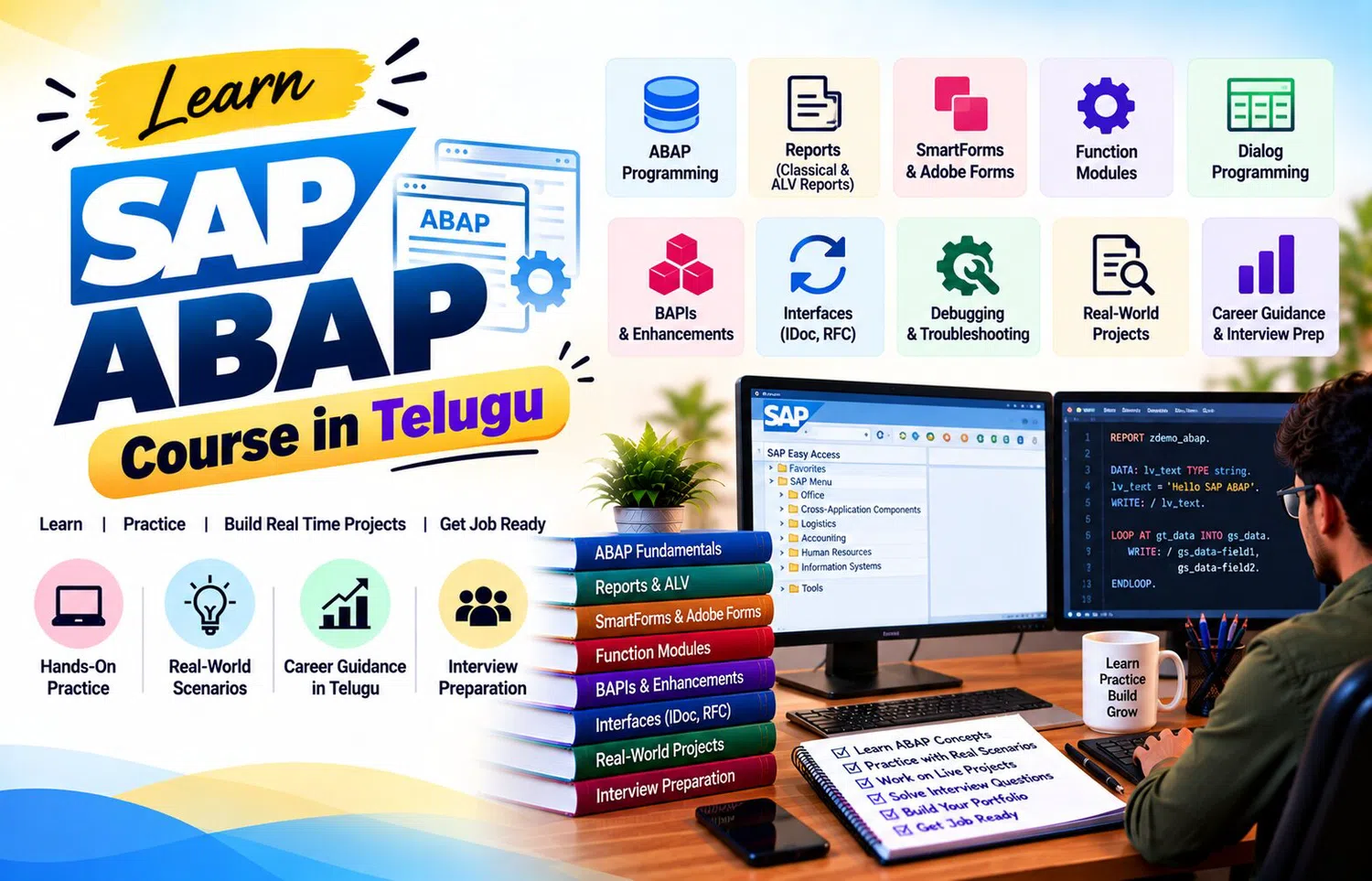
A SAP ABAP Course in Telugu can help learners follow a structured path from basic ABAP programming to practical SAP development. The learning journey can begin with variables and internal tables before gradually moving into ALV, Smart Forms, BAPIs, Object-Oriented ABAP, enhancements, and integration concepts.
The goal is to understand how ABAP supports business processes and then build practical applications around those requirements.
Step 1: Understand the SAP Environment
Before programming, learn basic SAP concepts.
Understand:
SAP system.
Client.
Transaction.
Business module.
Repository objects.
Development environment.
ABAP does not run as an isolated language.
It works inside the SAP ecosystem.
Knowing how users interact with SAP helps developers understand where their programs fit.
Step 2: Learn ABAP Syntax
Begin with:
Data declarations.
Variables.
Constants.
Operators.
Conditions.
Loops.
Simple output.
Create small programs.
Examples:
Calculate total.
Check status.
Loop through values.
Do not begin with large business reports.
First become comfortable reading and writing basic ABAP statements.
Step 3: Learn Structures and Internal Tables
Internal tables are central to ABAP development.
Learn:
Structures.
Work areas.
Append.
Insert.
Read.
Modify.
Delete.
Loop.
Sort.
Different table types.
Practice storing and processing multiple business records.
This prepares learners for database and report development.
Step 4: Learn the Data Dictionary
Understand:
Domains.
Data elements.
Tables.
Structures.
Keys.
Views.
Search helps.
Lock objects.
The Data Dictionary teaches how SAP defines and stores business data.
This knowledge helps developers understand why fields have specific types and how tables relate to one another.
Step 5: Learn Open SQL
Practice:
SELECT.
WHERE.
JOIN.
ORDER BY.
Aggregations.
Read only required data.
Avoid unnecessary database calls.
Understand the relationship between:
Database tables.
Internal tables.
Report output.
Efficient data retrieval is an important ABAP skill.
Step 6: Learn Report Programming
Create reports using:
Selection screens.
Events.
Database queries.
Internal tables.
Calculations.
Output.
Practice with simple business examples.
For example:
Employee Report.
Sales Summary.
Purchase Report.
A report project connects many beginner concepts.
Step 7: Learn ALV Reporting
After basic reports, move into ALV.
Learn:
Output structures.
Columns.
Sorting.
Filtering.
Totals.
Subtotals.
Layouts.
Events.
Interactive features.
ALV is valuable because business users often need flexible tabular reporting.
Do not focus only on the display. Efficient data retrieval remains essential.
Step 8: Learn Modularization
Study:
Subroutines.
Includes.
Function modules.
Methods.
Classes.
Understand why long programs should be divided into smaller responsibilities.
For example:
ValidateSelection.
GetData.
ProcessData.
DisplayData.
Good modularization improves maintainability and debugging.
Step 9: Learn Function Modules
Understand:
Import parameters.
Export parameters.
Changing values.
Exceptions.
Reusable logic.
Practice creating small custom function modules.
Then explore standard function modules.
Learn to read interface documentation instead of guessing parameter behavior.
Step 10: Learn BAPIs
Study how BAPIs expose selected SAP business operations.
Understand:
Input structures.
Output structures.
Return messages.
Commit behavior.
Business validation.
Always inspect the specific BAPI documentation.
Do not directly update standard SAP tables when a supported business interface should be used.
Step 11: Learn Smart Forms
Practice:
Pages.
Windows.
Text.
Tables.
Templates.
Graphics.
Conditions.
Driver program.
Create a simple form such as:
Invoice.
Receipt.
Purchase summary.
This teaches how ABAP data becomes formatted business output.
Step 12: Understand SAP Scripts
Even if learners focus more on Smart Forms, SAP Scripts remain relevant in many existing systems.
Understand:
Pages.
Windows.
Text elements.
Paragraph formats.
Character formats.
This knowledge can help when supporting older implementations.
Real SAP projects frequently include legacy technologies.
Step 13: Learn BDC and Migration Basics
Understand:
Transaction recording.
Batch input.
CALL TRANSACTION.
Source files.
Field mapping.
Validation.
Error logs.
Reconciliation.
Also learn that BDC is not always the preferred solution.
Check whether a standard BAPI or migration tool provides a more suitable interface.
Step 14: Learn Object-Oriented ABAP
Study:
Classes.
Objects.
Attributes.
Methods.
Constructors.
Encapsulation.
Inheritance.
Polymorphism.
Interfaces.
Start with small classes.
Then reorganize one procedural report using class methods.
This makes OO concepts practical.
Step 15: Learn Enhancements
Understand how customer-specific logic can be added without unnecessary standard modifications.
Study:
User exits.
Customer exits.
BAdIs.
Enhancement spots.
Explicit enhancements.
Implicit enhancements.
Practice identifying the correct extension point for a simple requirement.
Do not change SAP standard programs casually.
Step 16: Learn Debugging
Practice:
Breakpoints.
Single-step execution.
Variable inspection.
Internal tables.
Call stack.
Return values.
Debugging is useful for:
Your own code.
Existing custom programs.
Understanding standard flow.
Enhancement discovery.
Strong debugging skills can save significant development time.
Step 17: Learn Error Handling
Understand:
Return codes.
Messages.
Exceptions.
TRY-CATCH.
Runtime errors.
Logs.
Programs should fail clearly and safely.
A good error message helps users understand what needs correction.
A good technical log helps developers investigate the cause.
Step 18: Learn Performance Basics
Study common performance considerations.
Avoid:
Large unrestricted selects.
Repeated database queries in loops.
Unnecessary fields.
Poor internal-table access patterns.
Understand:
Joins.
Aggregation.
Table types.
Efficient data retrieval.
Performance should be considered during design rather than only after users complain.
Step 19: Learn Integration Concepts
Explore:
RFC.
BAPI.
IDoc.
Files.
Web services.
APIs.
Understand:
Inbound.
Outbound.
Synchronous.
Asynchronous.
Mapping.
Validation.
Error handling.
Integration skills help ABAP developers work with wider enterprise landscapes.
Step 20: Understand Authorization Awareness
Programs may work with sensitive business data.
Examples include:
Finance.
Employee.
Customer.
Pricing.
Developers should understand that users may need different access rights.
Authorization should be part of the business requirement.
Do not assume that access to a transaction means every operation is automatically permitted.
Step 21: Build Practical Projects
Create projects such as:
Sales ALV Report.
Purchase Analysis.
Employee Report.
Course Registration.
Invoice Smart Form.
Migration Program.
Object-Oriented Report.
Each project should solve one clear business requirement.
Avoid creating random technical examples without context.
Projects are more useful when they demonstrate complete business flow.
Step 22: Learn to Read Existing ABAP Code
Real SAP projects often involve maintenance.
Learners should practice understanding:
Old procedural programs.
Includes.
Function modules.
Classes.
Enhancements.
Forms.
Before changing existing code:
Understand the requirement.
Trace the program.
Check dependencies.
Test carefully.
Reading code is as important as writing new code.
Step 23: Learn Documentation Habits
Document:
Purpose.
Selection fields.
Tables.
Logic.
Enhancements.
Interfaces.
Known limitations.
Test scenarios.
Good documentation helps future developers understand why the solution exists.
Technical comments should explain meaningful decisions rather than repeat obvious code.
Step 24: Build a Final End-to-End Project
Create a Procurement Analysis solution.
Requirements:
User selects Vendor, Plant, and Date Range.
Program reads purchasing data.
Processes values.
Displays ALV.
User clicks document for details.
Selected result can produce Smart Form summary.
Reusable logic placed in class or function module.
Errors handled clearly.
This project connects:
Data Dictionary.
Open SQL.
Internal tables.
ALV.
Modularization.
Forms.
Debugging.
How Can Telugu Learners Follow This Roadmap?
Learners from Telangana, Andhra Pradesh, and other Telugu-speaking regions can understand complex SAP concepts in Telugu while keeping professional technical terms in English.
Important terms include:
Data Dictionary.
Open SQL.
Internal Table.
ALV.
BAPI.
BAdI.
Smart Form.
RFC.
IDoc.
Debugger.
This helps learners understand concepts clearly while preparing for real SAP documentation and project discussions.
Frequently Asked Questions
What should beginners learn first in SAP ABAP?
Start with basic programming, internal tables, Data Dictionary concepts, and simple reports.
Should learners study both procedural and Object-Oriented ABAP?
Yes. Existing projects may contain procedural code, while modern development increasingly uses object-oriented approaches.
Is debugging important for ABAP developers?
Yes. Debugging helps developers understand both custom and standard execution flow and troubleshoot issues.
What is the best way to become comfortable with ABAP?
Build practical reports and small applications, analyze existing code, and connect technical concepts with real business requirements.
Conclusion
A SAP ABAP Course in Telugu can help learners move from ABAP fundamentals to practical SAP development through a structured learning path.
The journey can begin with variables, conditions, loops, internal tables, Data Dictionary objects, and Open SQL before moving into ALV, modularization, forms, BAPIs, enhancements, Object-Oriented ABAP, debugging, and integration.
The strongest ABAP learners do not focus only on syntax.
They understand how a business requirement becomes:
User input.
SAP data retrieval.
ABAP processing.
Validation.
Output.
Integration.
When learners understand that complete flow and practice it through projects, they build a much stronger foundation for real SAP development work.