Introduction
Freshers entering IT often face a difficult question: what should I learn first? One person recommends Java, another recommends Python, someone suggests cloud, and social media may suddenly make AI look like the only skill that matters. Trying to learn everything at once usually creates shallow knowledge.
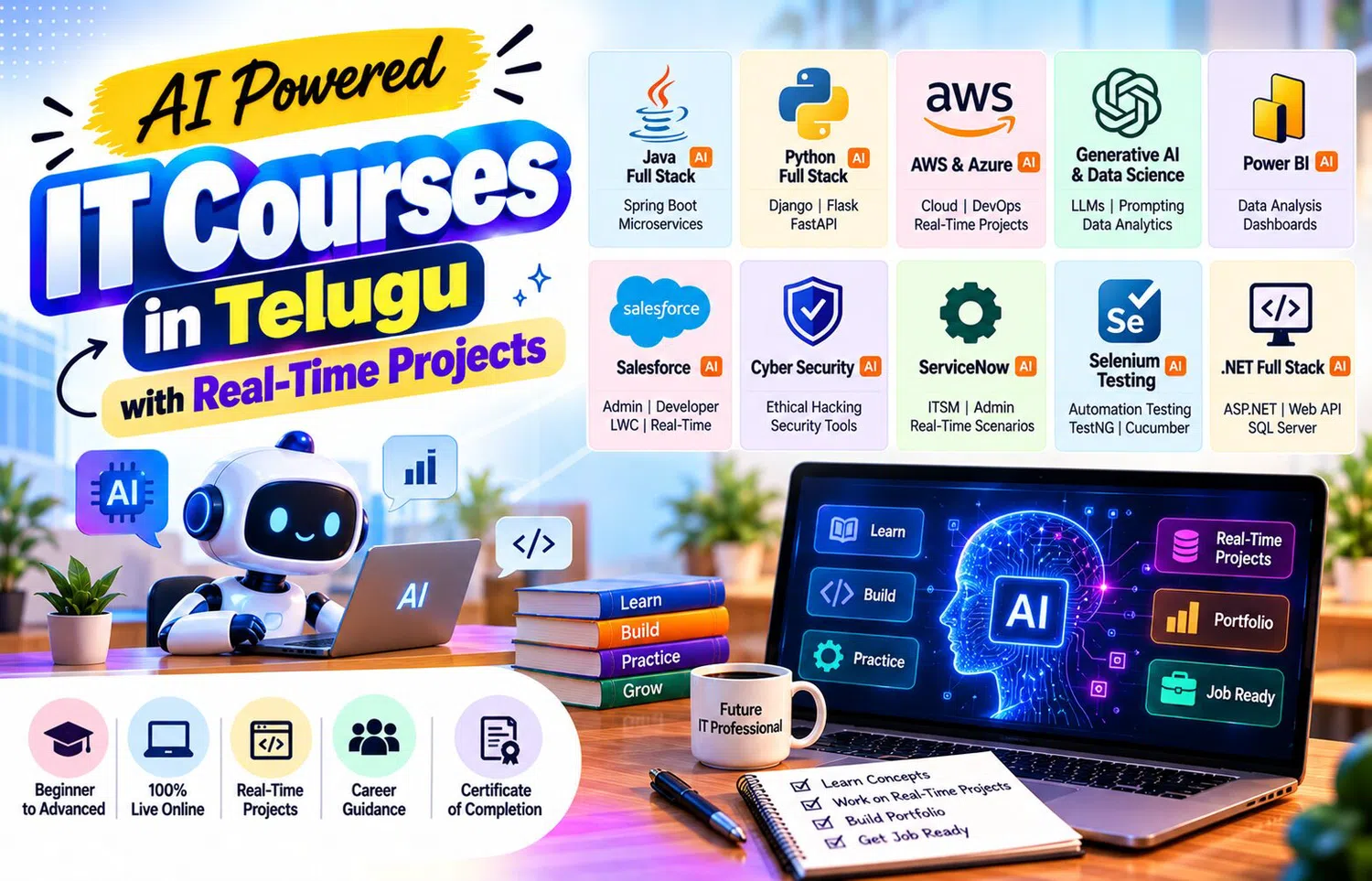
AI Powered IT Courses in Telugu with Real-Time Projects can help freshers follow a clearer learning path by combining technical foundations, one focused specialization, practical projects, and responsible AI usage.
The most effective path is progressive. Each stage should prepare the learner for the next one.
Stage 1: Understand Computer Fundamentals
Before advanced tools, understand:
Operating systems.
Files.
Processes.
Browsers.
Networks.
Servers.
Databases.
Applications.
Basic command line.
These concepts help learners understand where software actually runs.
They also make cloud, deployment, and backend concepts easier later.
Stage 2: Choose One Programming Language
Possible beginner languages include:
Java.
Python.
C#.
JavaScript.
The best choice depends on the career direction.
Focus on:
Variables.
Conditions.
Loops.
Functions.
Collections.
Objects.
Exceptions.
Basic file or database operations.
Do not move too quickly into frameworks without understanding the language.
Stage 3: Practice Problem Solving
Use small coding problems.
Examples:
Student grading.
Bill calculator.
Search list.
Frequency counter.
Date validation.
Simple menu application.
The objective is to learn how to convert a requirement into logic.
Syntax can always be looked up.
Problem-solving habits are more transferable.
Stage 4: Learn SQL
Learn:
Tables.
Keys.
SELECT.
WHERE.
ORDER BY.
JOIN.
GROUP BY.
Subqueries.
Updates.
Transactions.
Create a small database and write queries using realistic records.
SQL is useful for developers, analysts, testers, data professionals, and many cloud roles.
Stage 5: Learn Git
Use Git from the beginning of project work.
Practice:
Repository creation.
Commits.
Branches.
Merging.
Remote repositories.
Conflict resolution.
Do not wait until job preparation to learn version control.
Regular usage makes Git feel natural.
Stage 6: Choose a Career Track
After exploring fundamentals, choose a primary direction.
Possible paths include:
Full Stack Development.
Data Analytics.
Software Testing.
Cloud and DevOps.
Data Science.
Cyber Security.
AI Development.
The learner can later add related skills.
First, build depth in one track.
Stage 7: Learn Core Track Tools
A full stack learner may study:
Frontend.
Backend framework.
Database.
REST APIs.
Authentication.
A data learner may study:
SQL.
Spreadsheets.
Python.
Visualization.
BI tools.
A cloud learner may study:
Linux.
Networking.
Cloud services.
Deployment.
Automation.
The tools should match the chosen path.
Stage 8: Build a Mini Project
Do not begin with a huge application.
Examples:
Task Tracker.
Expense Manager.
Sales Dashboard.
API Testing Project.
Cloud-Deployed Website.
The first project should be small enough to understand completely.
Focus on correct functionality and learning.
Stage 9: Add Debugging
Learn to use:
Error messages.
Breakpoints.
Logs.
Developer tools.
Database queries.
API responses.
AI can help interpret errors, but freshers should still identify and verify the actual root cause.
Debugging ability is one of the strongest practical skills.
Stage 10: Add AI to the Learning Workflow
Use AI for:
Concept explanations.
Practice questions.
Code review.
Debugging suggestions.
Test scenarios.
Documentation.
Do not let AI build the entire project.
A fresher should be able to explain every important component without depending on a generated answer.
Stage 11: Build a Complete Project
After the mini project, build something more complete.
Example:
Job Application Tracker.
Features:
Register.
Login.
Add application.
Company.
Role.
Status.
Interview date.
Notes.
Filters.
Dashboard.
This can combine programming, database, API, frontend, validation, testing, and deployment.
Stage 12: Learn Testing
Freshers should learn to test their own work.
Check:
Valid input.
Invalid input.
Duplicate data.
Missing record.
Authentication failure.
Permission failure.
Boundary values.
Testing improves both coding quality and problem solving.
Stage 13: Learn Deployment
Deploy a selected project.
Understand:
Build process.
Environment variables.
Database configuration.
Logs.
HTTPS.
Secrets.
Application URL.
Deployment gives learners experience beyond localhost and creates material for a portfolio.
Stage 14: Build a Portfolio
Select the strongest projects.
For each, include:
Problem statement.
Technology stack.
Features.
Architecture.
Screenshots.
Repository.
Testing.
Deployment.
Challenges solved.
A fresher portfolio should demonstrate understanding, not only visual design.
Stage 15: Prepare Technical Explanations
Practice explaining:
What problem did the project solve?
How is the database designed?
How does the API work?
How is authentication handled?
What was difficult?
How did you debug it?
What would you improve?
These explanations are useful during interviews and team discussions.
Stage 16: Practice Interview Questions
Study questions related to:
Programming.
SQL.
Framework.
APIs.
Projects.
Debugging.
Chosen specialization.
Use AI to simulate interviews.
Answer first, then request feedback.
This reveals gaps more effectively than reading answers passively.
Stage 17: Improve Communication
Freshers should practice:
Writing clear messages.
Explaining technical issues.
Documenting work.
Presenting project flow.
Asking good questions.
Strong communication helps learners work effectively with mentors, teammates, and interviewers.
Avoid Common Fresher Mistakes
Avoid:
Learning too many technologies at once.
Copying projects.
Skipping fundamentals.
Ignoring SQL.
Avoiding debugging.
Depending completely on AI.
Listing tools never used practically.
Building projects without documentation.
A focused learning plan produces stronger results.
A Simple Weekly Routine
A balanced schedule could include:
Three days:
Learning and coding.
One day:
SQL or technical practice.
One day:
Project development.
One day:
Testing, debugging, and Git.
One day:
Review and interview practice.
The exact schedule can be adjusted based on available time.
Consistency is more important than a perfect timetable.
Frequently Asked Questions
Which technology should a fresher learn first?
Choose one programming or technical foundation aligned with the intended career path, then add related tools gradually.
Should freshers learn AI tools?
Yes. AI literacy is useful, but it should complement programming, databases, cloud, testing, or other core technical skills.
When should a fresher start projects?
Small projects can begin soon after basic concepts are understood. Do not wait until every topic is completed.
Is deployment necessary for fresher projects?
It is highly useful because deployment teaches configuration, troubleshooting, and real application behavior beyond local development.
Conclusion
AI Powered IT Courses in Telugu with Real-Time Projects can give freshers a structured path from technical basics to practical project experience.
Start with fundamentals, choose one primary track, practice consistently, learn SQL and Git, build projects, debug errors, test features, and deploy selected work.
AI can accelerate explanations and provide useful feedback, but real confidence comes from independent practice.
Freshers who can build, test, troubleshoot, document, and explain their work develop a much stronger foundation for entering IT than learners who only collect tools and certificates