Introduction
Graphic design learning becomes easier when skills are developed in a clear sequence. Beginners often start by learning software effects, templates, and shortcuts, but professional creative work requires more than tool knowledge. Designers need to understand visual communication, typography, color, composition, branding, image editing, project workflows, and portfolio presentation.
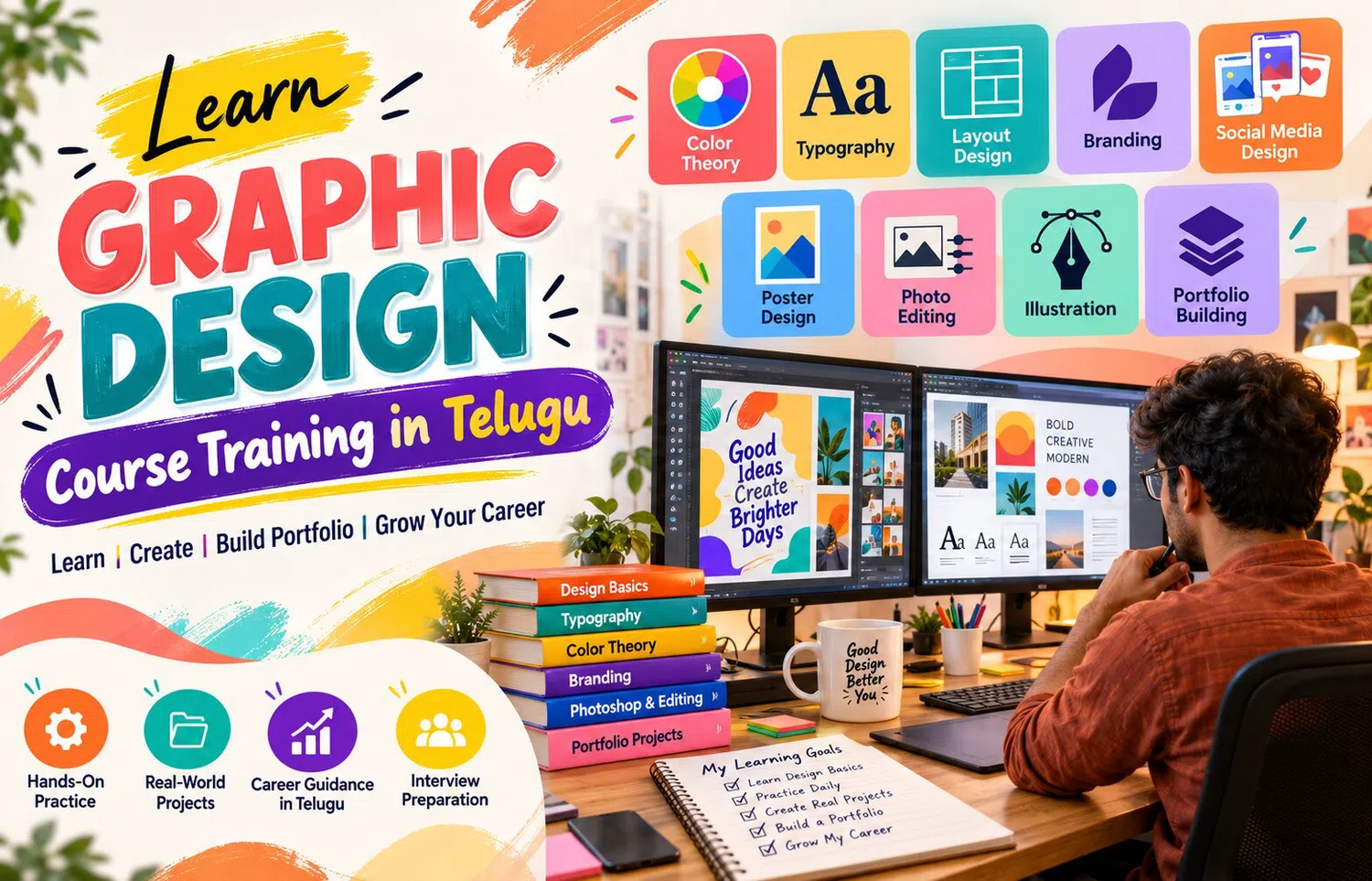
A Graphic Design Course Training in Telugu can help learners progress from design basics to practical creative skills through structured learning and project work.
The goal is not to master every software application immediately. It is to develop strong visual judgment and then use the right tools to turn ideas into effective designs.
Step 1: Understand Visual Communication
Start by understanding why graphic design exists.
A design may need to:
Inform.
Promote.
Guide.
Educate.
Persuade.
Build recognition.
Before choosing colors or fonts, ask:
Who is the audience?
What is the message?
What should the viewer do?
This keeps design connected to communication.
Step 2: Learn Basic Design Principles
Study:
Hierarchy.
Contrast.
Alignment.
Balance.
Proximity.
Repetition.
White space.
Scale.
These principles apply across almost every design format.
For example, hierarchy helps determine whether viewers notice the headline, image, or CTA first.
Practice each principle using small layouts.
Step 3: Learn Composition
Understand:
Focal points.
Grids.
Margins.
Visual flow.
Rule of thirds.
Symmetry.
Asymmetry.
A good composition connects all elements.
Do not think of text, image, and logo as separate objects.
Ask how they work together inside the complete design.
Step 4: Learn Typography
Typography is a major graphic design skill.
Study:
Font categories.
Hierarchy.
Font pairing.
Line height.
Letter spacing.
Alignment.
Readability.
Practice using one font family first.
Create clear differences between:
Headline.
Subheading.
Body.
CTA.
Avoid relying on decorative fonts to make a design interesting.
Step 5: Learn Color Theory
Understand:
Color relationships.
Warm and cool colors.
Contrast.
Brand palettes.
RGB.
CMYK.
Accessibility.
Practice creating small palettes.
Use each color with a purpose.
For example:
Primary brand color.
Accent.
Background.
Text.
Limited and consistent palettes are easier to control than many random colors.
Step 6: Learn Image Selection
A graphic designer should know how to choose suitable images.
Consider:
Subject.
Quality.
Composition.
Lighting.
Brand fit.
Audience.
Do not select images only because they look attractive.
The image should support the message.
A poor-quality or irrelevant image can weaken an otherwise strong layout.
Step 7: Learn Image Editing
Practice:
Cropping.
Background removal.
Color correction.
Retouching.
Masks.
Object cleanup.
Non-destructive editing.
Photoshop or another raster editor can help develop these skills.
Use editing to improve the image rather than adding unnecessary effects.
Step 8: Learn Vector Design
Understand:
Shapes.
Paths.
Anchor points.
Pen Tool.
Pathfinder.
Shape Builder.
Vectors are useful for:
Logos.
Icons.
Illustrations.
Brand assets.
Learning vector design also improves accuracy and shape-building skills.
Step 9: Learn Social Media Design
Create:
Instagram posts.
Carousels.
Stories.
LinkedIn creatives.
Thumbnails.
Focus on:
Mobile readability.
Short text.
Brand consistency.
Hierarchy.
CTA.
Social media practice helps beginners develop speed because projects are usually smaller and easier to repeat.
Step 10: Learn Poster and Advertising Design
Create posters for:
Events.
Products.
Webinars.
Offers.
Recruitment.
Practice combining:
Headline.
Image.
Supporting information.
CTA.
Brand.
This teaches how to handle several pieces of information while keeping the main message clear.
Step 11: Learn Logo Design
Study the complete logo process.
Research.
Brand understanding.
Word association.
Sketching.
Concept development.
Vector creation.
Typography.
Color.
Scalability.
A strong logo is not created by applying random effects.
It should come from a relevant concept and work at multiple sizes.
Step 12: Learn Branding
Move beyond the logo.
Build:
Color palette.
Typography system.
Icon style.
Image direction.
Layout rules.
Brand guidelines.
Then apply the identity to:
Social posts.
Business cards.
Posters.
Banners.
This teaches consistency.
Step 13: Learn Multi-Page Layout
Practice:
Brochures.
Reports.
Catalogues.
Presentation pages.
Learn:
Margins.
Columns.
Page hierarchy.
Repeated styles.
Long-form typography.
Multi-page projects require stronger organization than individual social media posts.
Step 14: Learn File Preparation
Designers need to understand final output.
Learn:
Image dimensions.
Resolution.
Digital formats.
Print formats.
Bleed.
Color mode.
Editable source files.
Export naming.
A beautiful design can still create problems if exported incorrectly.
Technical preparation is part of professional design.
Step 15: Learn Project Organization
Organize:
References.
Images.
Logos.
Fonts.
Source files.
Exports.
Versions.
Use clear file names.
For example:
Event_Poster_V01.
Event_Poster_V02.
Event_Poster_Final_Print.
Good organization becomes increasingly important when working with teams and clients.
Step 16: Learn How to Receive Feedback
Design work often goes through revisions.
Feedback may come from:
Client.
Manager.
Marketing team.
Creative lead.
Other designers.
Do not treat every revision as a personal rejection.
Ask:
What communication problem is the feedback trying to solve?
At the same time, designers should be able to explain their decisions professionally.
Good collaboration is a creative skill.
Step 17: Learn Design Critique
Before sharing a design, review it yourself.
Check:
Hierarchy.
Alignment.
Spacing.
Typography.
Color.
Image quality.
Branding.
Spelling.
CTA.
View the design:
Large.
Small.
From a distance.
At thumbnail size.
Different viewing conditions reveal different problems.
Step 18: Explore AI-Assisted Design
Modern designers can use AI for:
Idea generation.
Visual concepts.
Background editing.
Image generation.
Object removal.
Content assistance.
AI can speed up parts of the creative process.
However, designers still need to control:
Brand.
Accuracy.
Composition.
Ethics.
Final quality.
AI should strengthen the workflow, not replace visual judgment.
Step 19: Build Practical Projects
Create projects that combine several skills.
Examples include:
Brand identity.
Social campaign.
Product advertisement.
Event campaign.
Brochure.
Infographic.
Each project should begin with a brief.
Document:
Research.
Concept.
Design.
Revisions.
Final output.
This develops professional project thinking.
Step 20: Build a Portfolio
Select the strongest work.
Do not include everything.
Create case studies showing:
Brief.
Problem.
Concept.
Process.
Final designs.
Applications.
A portfolio should communicate your current ability and desired career direction.
Update it as your skills improve.
How Can Telugu Learners Follow This Roadmap?
Learners from Telangana, Andhra Pradesh, and other Telugu-speaking regions can understand difficult concepts through Telugu explanations while continuing to use professional English terminology.
Important terms include:
Typography.
Composition.
Hierarchy.
Branding.
Vector.
Raster.
Retouching.
Layout.
Portfolio.
This helps learners understand concepts clearly while becoming comfortable with industry language.
A Final Practical Graphic Design Project
Create a complete fictional brand.
Example:
“UrbanBean Café.”
Develop:
Brand brief.
Moodboard.
Logo.
Color palette.
Typography.
Business card.
Product poster.
Instagram post.
Story design.
Menu cover.
Website banner.
Then organize the project as a portfolio case study.
This single project combines:
Branding.
Typography.
Color.
Vector design.
Image editing.
Layout.
Marketing design.
Portfolio presentation.
Frequently Asked Questions
Should beginners learn Photoshop or design principles first?
Learn them together, but design principles should guide how software tools are used.
How long does it take to become good at graphic design?
There is no fixed timeline. Progress depends on regular practice, feedback, project quality, and how carefully the learner studies visual principles.
Is learning many design tools necessary?
No. Start with the tools required for your main work and build strong transferable design fundamentals.
What is the best way to improve graphic design skills?
Create practical projects, analyze strong designs, seek useful feedback, revise your work, and consistently practice visual principles.
Conclusion
A Graphic Design Course Training in Telugu can help learners progress from basic visual principles to practical professional creative skills through a structured learning path.
The journey begins with hierarchy, typography, color, layout, and composition before moving into image editing, vectors, social media design, branding, marketing creatives, project workflows, and portfolio development.
The strongest graphic designers are not defined only by how many tools they know.
They understand the communication problem, develop a clear visual idea, use design principles intentionally, prepare files correctly, and improve their work through feedback.
When learners combine creative thinking with consistent practice and practical projects, they can build stronger design skills that apply across digital, social media, branding, advertising, and print work.