Introduction
Generative AI can feel overwhelming because the field includes many terms, tools, models, and applications. Beginners may hear about Artificial Intelligence, Machine Learning, Large Language Models, prompt engineering, image generation, AI automation, chatbots, agents, and multimodal tools at the same time.
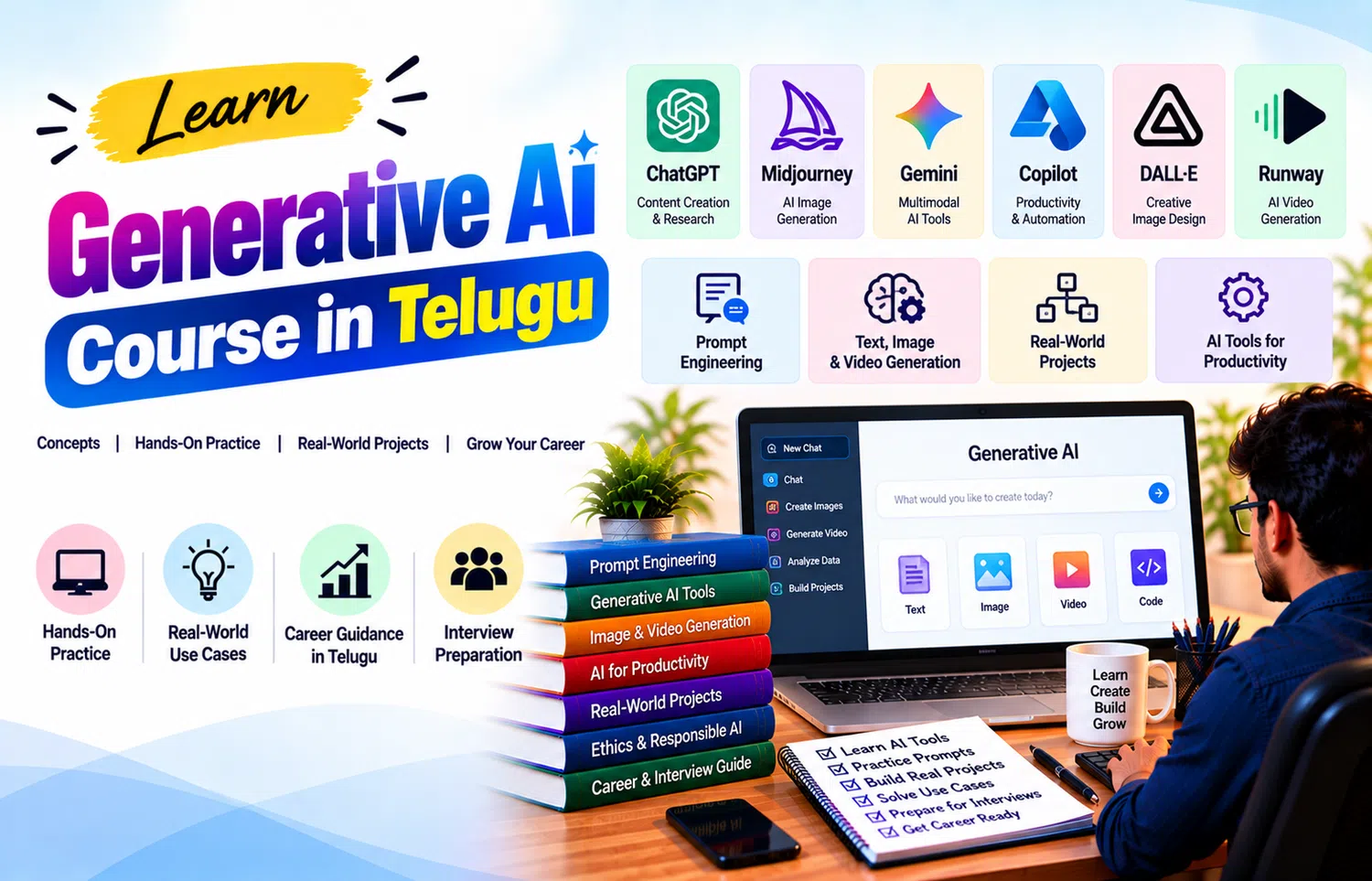
A Generative AI Course in Telugu can help learners follow a structured path from basic AI concepts to practical Generative AI skills. Instead of trying to master every tool immediately, beginners can first understand how AI works, then develop prompting, content creation, research, automation, and project-building skills.
The goal is to build transferable AI knowledge that remains useful even as individual tools change.
Step 1: Understand Artificial Intelligence
Start with the basic idea of AI.
Learn:
What AI means.
Where it is used.
How it differs from normal software.
Examples of AI in daily life.
Common limitations.
Examples may include:
Recommendations.
Spam filtering.
Voice assistants.
Image recognition.
Generative AI.
This creates a foundation for understanding more advanced topics.
Step 2: Understand Machine Learning
Learn that Machine Learning is one approach used to build AI systems.
Explore basic ideas such as:
Training data.
Patterns.
Prediction.
Classification.
Models.
Beginners do not need deep mathematics at this stage.
The objective is to understand that many AI systems learn patterns from examples instead of relying only on manually written rules.
Step 3: Understand Generative AI
Next, learn how Generative AI differs from prediction-focused systems.
Generative AI can create:
Text.
Images.
Code.
Audio.
Video.
Summaries.
Examples.
Understanding this difference helps learners recognize why modern AI tools can respond creatively to natural-language instructions.
Step 4: Learn About Large Language Models
Study basic LLM concepts.
Learn:
Tokens.
Context.
Prompts.
Training.
Parameters.
Generation.
Hallucination.
Do not focus only on model names.
The underlying concepts are more transferable.
This helps learners understand why AI responses can be useful but not always accurate.
Step 5: Learn Basic Prompting
Start with simple prompts.
For example:
Explain.
Summarize.
Rewrite.
Generate.
Compare.
Then improve prompts by adding:
Audience.
Context.
Format.
Tone.
Constraints.
Practice the same task with weak and strong prompts.
Compare the difference.
Prompting improves through experimentation.
Step 6: Learn Prompt Engineering
Move into structured prompts.
A practical framework may include:
Task.
Context.
Audience.
Input.
Requirements.
Output format.
Learn how to:
Break complex tasks into steps.
Provide examples.
Ask for alternatives.
Refine responses.
Control formatting.
This makes AI output more consistent.
Step 7: Learn AI Writing and Content Creation
Practice:
Blog outlines.
Emails.
Captions.
Scripts.
Summaries.
Headlines.
Educational content.
Focus on:
Originality.
Accuracy.
Tone.
Audience.
Editing.
AI should create a first draft or support the process.
Human review creates the final quality.
Step 8: Learn Image Generation
Explore:
Text-to-image.
Prompt structure.
Composition.
Style.
Lighting.
Aspect ratio.
Image editing.
Understand that strong image prompts define what should be shown rather than using vague words such as “make it beautiful.”
Learn to review generated images for errors.
Step 9: Explore Multimodal AI
Multimodal AI may work with combinations of:
Text.
Images.
Audio.
Video.
Documents.
Learn practical workflows such as:
Upload chart → Ask for explanation.
Provide image → Request analysis.
Create script → Generate visual concepts.
Understanding multiple modalities expands what AI can support.
Step 10: Learn AI for Productivity
Practice workplace tasks.
Examples include:
Email drafts.
Document summaries.
Meeting action items.
Presentation outlines.
Spreadsheet help.
Research organization.
The focus should be on reducing repetitive effort without giving AI unnecessary access to sensitive information.
Step 11: Learn AI for Research
Practice:
Creating research questions.
Summarizing sources.
Comparing information.
Extracting key points.
Understand the difference between:
AI-generated answer.
Verified information.
For current or important factual tasks, users should consult reliable sources.
AI can support research but should not automatically become the source of truth.
Step 12: Learn AI Automation
Understand:
Triggers.
Actions.
AI steps.
Approvals.
Connected tools.
Example workflow:
New feedback → AI summary → Category → Spreadsheet.
Start with simple workflows.
Learn where humans should remain involved.
This prepares learners for more advanced AI-enabled business processes.
Step 13: Understand Chatbots and Assistants
Learn the difference between:
Rule-based chatbot.
Generative chatbot.
Virtual assistant.
Tool-using assistant.
Understand concepts such as:
Conversation context.
Knowledge grounding.
RAG.
Escalation.
Permissions.
A useful assistant should know when it cannot safely answer.
Step 14: Learn Responsible AI Usage
Study:
Accuracy.
Hallucinations.
Privacy.
Security.
Bias.
Copyright.
Transparency.
Human review.
This should not be left until the end of AI learning.
Responsible usage should be practiced from the beginning.
For every output, ask whether it needs verification.
Step 15: Build Small Projects
Create beginner projects such as:
AI study assistant.
Interview practice bot.
Content repurposing workflow.
FAQ assistant.
Resume feedback helper.
Document summarizer.
AI image prompt generator.
Each project should solve one clear problem.
Avoid building unnecessarily complex systems before understanding the basics.
Step 16: Learn Tool Selection
There are many AI tools.
Instead of trying all of them, evaluate tools based on:
Task.
Accuracy.
Ease of use.
Privacy.
Cost.
Integrations.
File support.
Output quality.
One tool may be excellent for coding but weak for image generation.
Another may specialize in research.
Choose tools according to the workflow.
Step 17: Learn How to Evaluate AI Output
Create criteria such as:
Accuracy.
Relevance.
Clarity.
Completeness.
Consistency.
Originality.
Time saved.
For images:
Composition.
Topic relevance.
Visual quality.
Errors.
Do not evaluate AI only by whether the output looks impressive.
Useful output should solve the actual problem.
Step 18: Create a Personal AI Workflow
After learning several tools, build a workflow for your own needs.
For example, a digital marketer may use AI for:
Topic research.
Outline generation.
Drafting.
SEO review.
Social repurposing.
Image concepts.
Reporting.
A student may use AI for:
Explanations.
Practice.
Revision.
Project ideas.
The workflow should match the user's real tasks.
How Can Telugu Learners Follow This Roadmap?
Learners from Telangana, Andhra Pradesh, and other Telugu-speaking regions can understand concepts in Telugu while keeping standard technical terminology in English.
For example:
Prompt.
LLM.
Token.
Context.
Automation.
RAG.
AI Agent.
Multimodal AI.
This helps learners understand the concept clearly while remaining familiar with industry terminology.
Practice should begin with real tasks rather than theory alone.
A Final Practical Generative AI Project
Create an AI-powered learning assistant.
Input:
Subject.
Topic.
Difficulty.
Study time.
Output:
Simple explanation.
Study plan.
Practice questions.
Quiz.
Revision summary.
Add rules:
Do not invent sources.
Mark uncertain information.
Keep language beginner-friendly.
Test the assistant with:
Excel.
Java.
Digital Marketing.
Document:
Prompt versions.
Outputs.
Problems.
Improvements.
This combines several practical AI skills.
Frequently Asked Questions
Do beginners need coding to learn Generative AI?
No. Many practical AI skills can be learned without coding. Programming becomes useful for advanced integrations and custom applications.
What should beginners learn before prompt engineering?
Basic understanding of AI, Generative AI, model limitations, and clear communication is enough to start.
Should learners focus on one AI tool?
Start with a few useful tools, but focus more on transferable concepts such as prompting, evaluation, workflow design, and responsible use.
How can learners improve quickly?
Practice real tasks, compare outputs, refine prompts, verify important information, and build small projects.
Conclusion
A Generative AI Course in Telugu can help beginners progress from basic AI understanding to practical skills in prompting, content creation, multimodal tools, automation, productivity, chatbots, research, and project development.
The strongest learning path is not based on memorizing every new AI platform.
Tools will continue to change.
Skills such as clear prompting, critical evaluation, workflow design, verification, privacy awareness, and responsible usage remain valuable across different systems.
When learners understand both what Generative AI can do and where it can fail, they can use AI more confidently for education, work, creativity, and practical problem solving.