Whether you have just enrolled for a new Aadhaar or submitted an update request for your address or mobile number, the waiting period can be anxious. Before clicking the "Download" button, you must verify that your Aadhaar has been generatedor the update has been processed.
Why You Must Check Status before Downloading
In 2026, the UIDAI system involves several backend quality checks. If you attempt to download before the status shows "Completed," you may encounter errors or download an outdated version of your card.
Avoid "Record Not Found" Errors:Ensure your EID is active in the system.
Verify Update Success: Confirm if your latest changes are reflected.
Track PVC Delivery: If you ordered a plastic card, tracking the status is essential for delivery updates.
Prerequisites for Checking Aadhaar Status
To check your status on the official portal, you will need one of the following identifiers found on your Acknowledgement Slip:
Enrolment ID (EID): A 28-digit number (14-digit Enrolment Number + 14-digit Date/Time stamp).
Update Request Number (URN): Provided after an online address update.
Service Request Number (SRN): Provided when ordering an Aadhaar PVC card.
Step-by-Step Guide: Checking Status on myAadhaar Portal
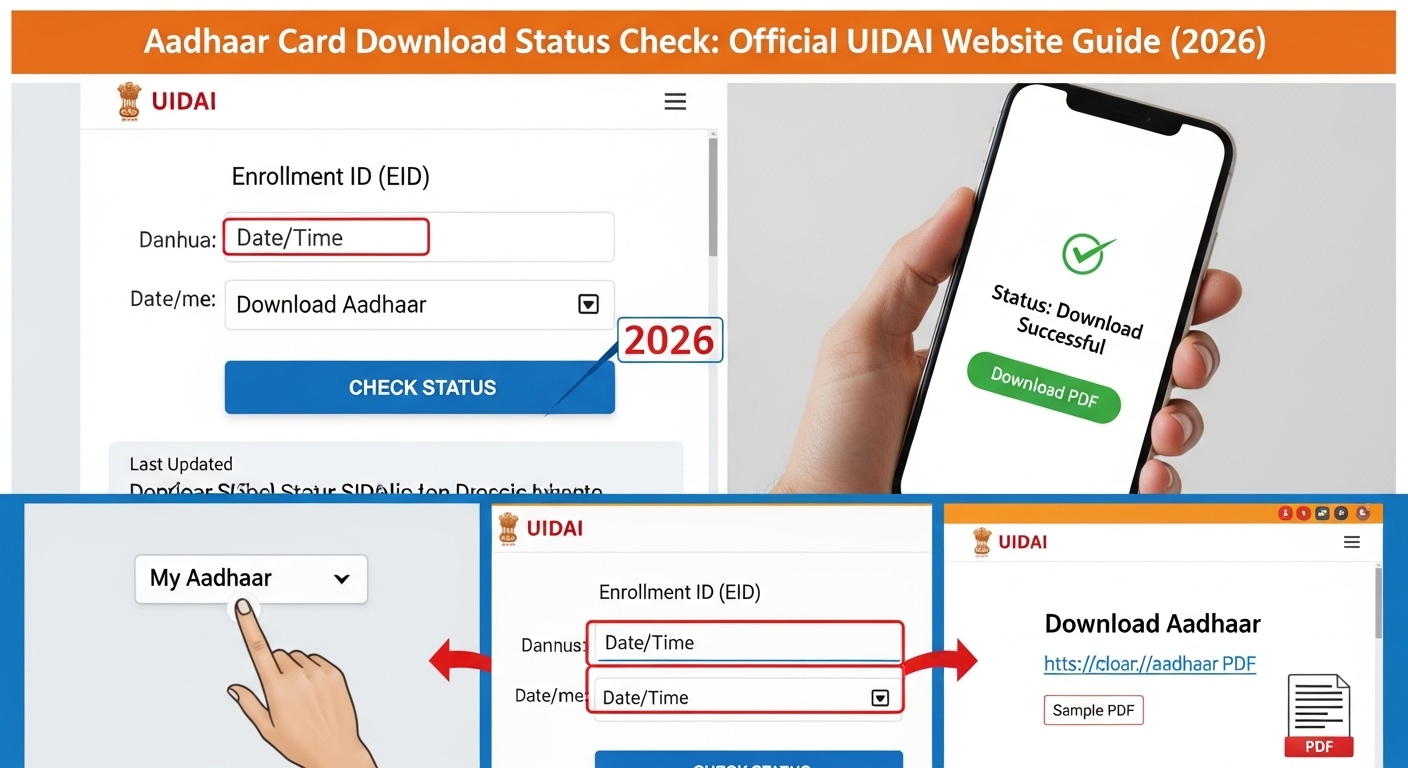
The myAadhaar portal is the fastest official channel. Follow these steps for an instant status update:
Step 1: Visit the Official UIDAI Website
Navigate to Aadhaar Card Download. This is the dedicated resident portal for all 2026 Aadhaar services.
Step 2: Select 'Check Enrolment & Update Status'
On the dashboard, locate the service titled "Check Enrolment & Update Status."
Step 3: Enter Your EID/SRN/URN carefully type in your 28-digit EID or 14-digit URN.
2026 Update: You no longer need to separate the date and time; the new portal accepts the string as a continuous 28-digit number for better user experience.
Step 4: Solve the Captcha
Enter the security captcha code exactly as shown. If the captcha is unreadable, use the refresh button.
Step 5: View Your Status
Click "Submit." The screen will now display one of the following status messages:
Draft Stage: Your request is submitted but not yet picked up for verification.
Verification/Validation Stage: The UIDAI backend is verifying your documents.
Completed: Your Aadhaar is generated updated. You can now proceed to "Download Aadhaar."
Rejected: The request failed due to document discrepancies. The reason will be listed below.
Alternative Ways to Check Aadhaar Status in 2026
If you don't have access to a computer, UIDAI offers several offline and mobile-friendly alternatives
1. Using the mAadhaar App
The mAadhaar app has a dedicated "Status Dashboard." Simply open the app, tap on "Check Status," and enter your EID to see the live progress on your smartphone.
2. Check via SMS (No Internet Required)
You can check your status by sending a simple SMS from your registered mobile number:
Type "UID STATUS <14-digit Enrollment Number>"
Send it to 51969.
You will receive an automated reply with the current status of your Aadhaar.
3. Call the Toll-Free Number (1947)
UIDAI’s IVR service is available 24/7. Dial 1947and follow the voice prompts to enter your EID. You can also speak with a representative for a detailed explanation if your request is stuck in the "Validation" stage for more than 90 days.
Tracking Aadhaar PVC Card Delivery
If your status shows "Completed" but you are waiting for a physical card, you should check the PVC Card Status:
Go to the "Check Aadhaar PVC Card Status" page.
Enter your SRN.
The portal will provide an Airway Bill (AWB) Number once dispatched via India Post. You can use this AWB number on the India Post website to see exactly where your parcel is.
Troubleshooting Common Status Issues
EID Not Found: This usually happens if you try to check within 24 hours of enrollment. Wait 48 hours for the system to update.
Manual Check/Under Process: This means your documents are being manually reviewed. This can take up to 30 days.
Rejected due to Data Mismatch: Ensure your name and DOB on the documents match your Aadhaar application exactly
Frequently Asked Questions (FAQs)
Q1. How long does it take for Aadhaar status to change to "Completed"?
Typically, it takes 5 to 15 days for an update or new enrollment. However, in some cases, it may take up to 90 days.
Q2. Can I check my status without an EID?
If you have lost your EID, you must first use the "Retrieve Lost/Forgotten EID" service on the UIDAI website using your name and registered mobile number.
Q3. Does "Aadhaar Generated" mean I can download it?
Yes! Once the status says "Aadhaar is generated," your digital record is ready. You can immediately use the "Download Aadhaar" service to get your PDF.
Conclusion
Checking your Aadhaar Card status is a straightforward process when using the official UIDAI portal. By following this 2026 guide, you can stay informed about your identity document's progress and avoid unnecessary trips to enrollment centers. Always keep your SRN or EID safe until you have the final card in your hand.