Mule Application Building Blocks
Mule application building blocks are separated into categories in the Mule Palette:
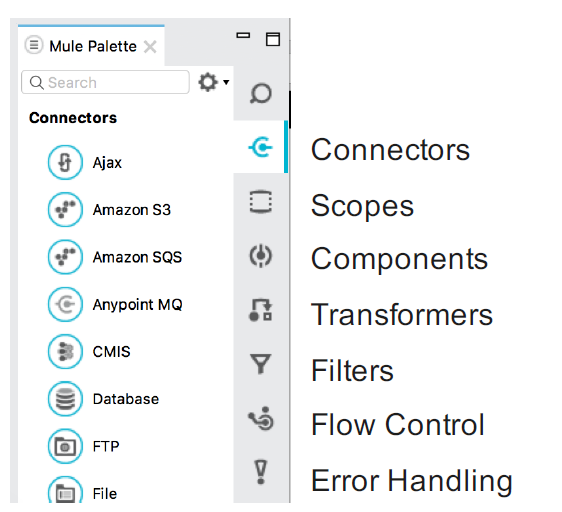
Message Sources :
The first building block of most flows is a receiver that receives new messages and places them in the queue for processing.
- Message sources are usually Anypoint Connectors.
- Connectors provide connectivity to external resources, such as:
- Databases, protocols, or APIs.
- Standard protocols like HTTP, FTP, SMTP, AMQP.
- Third-party APIs like Salesforce, Twitter, or MongoDB.
To get in-Depth knowledge on mulesoft you can enroll for live mulesoft online training
Anypoint Connectors :
- Anypoint Platform has over 120 pre-built connectors:
- 30 bundled with Anypoint Studio.
- Additional ones available in the Anypoint Exchange. - Connectors are accessible directly from Anypoint Studio or at https://www.mulesoft.com/exchange
- There are 2 main types:
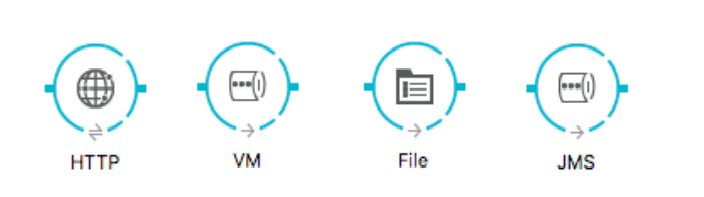
- Endpoint-based connectors
- Operation-based connectors
Endpoint-Based Connectors :
- Are either inbound or outbound endpoints in a flow.
- Inbound endpoints serve as a message source for a flow.
- Outbound endpoints send information to external systems.
Operation-Based Connectors :
- These connectors require the specification of an operation in order to perform.
- This category includes most connectors not based on a standard communication protocol

Connector vs Endpoint :
- A connector is a Mule-specific connection to an external resource of any kind.
- An endpoint is a flow-level element that is configured to receive and/or send messages from and/or to external resources.
- When you drag a connector from the Mule Palette, an endpoint is created.
- Connectors and endpoints are global elements.
Creating Mule Applications With Anypoint Studio
Anypoint Studio is an Eclipse-based integration development environment that provides:
- Two-way editing between graphical and XML views.
- Visual debugging (EE).
- A data transformation framework and language (EE).
- One-click deployment of applications.
- Templates for common integration patterns (EE).
- Integration with Maven for continuous build processes.
Take your career to new heights of success with an mulesoft training
Anatomy Of Flow: Visual
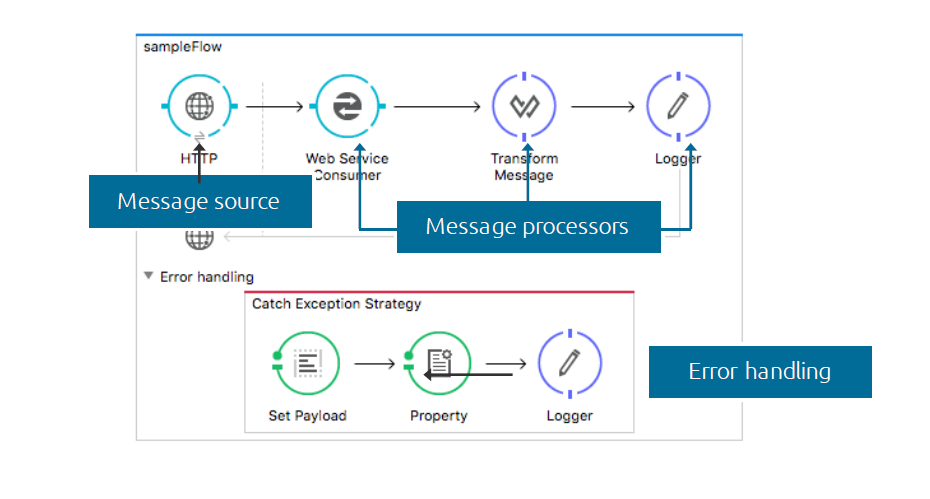
Anypoint Studio Anatomy:
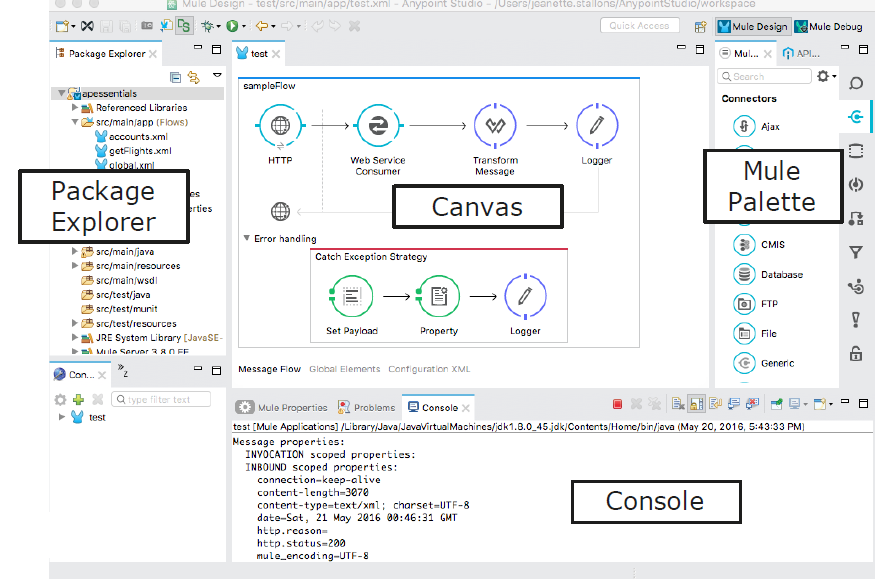
Running an Application:
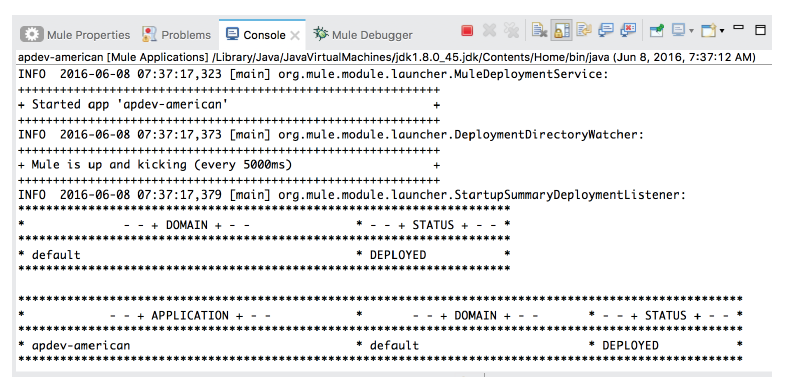
Anypoint Studio comes with an embedded Mule runtime to test applications without leaving it.
The console outputs application logs and information:
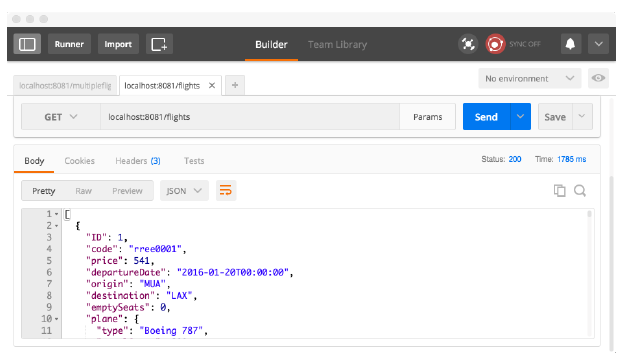
Testing Applications to Make Requests to an Endpoint:
Some options:
- A browser.
- A cURL command-line utility.
- A browser extension like Postman (for Google Chrome).
Introducing Mule Flows and Message
Mule Flows
Mule applications accept and process messages through a series of message processors plugged together in the flow.
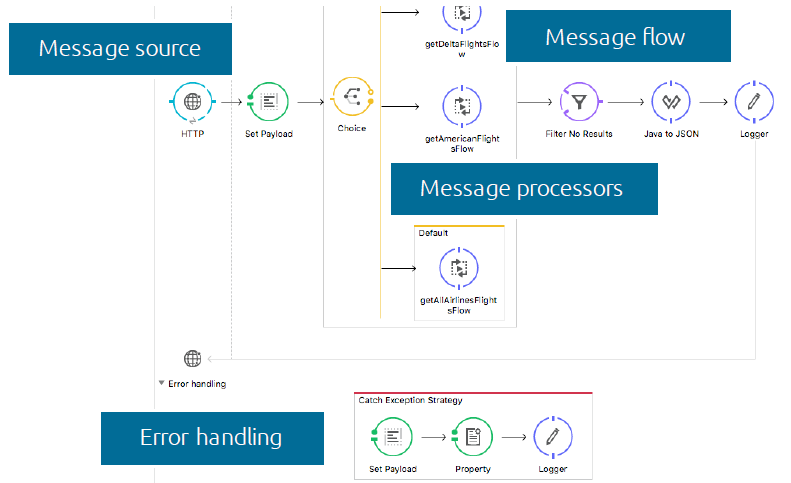
A typical flow has:
- Message Source - Accepts a message from an external source, triggering the execution of the flow.
- Message Processors - Transforms, filters, enrichs, and processes messages.
An application can consist of:
- A single flow.
- Multiple flows connected together to create more complex applications.
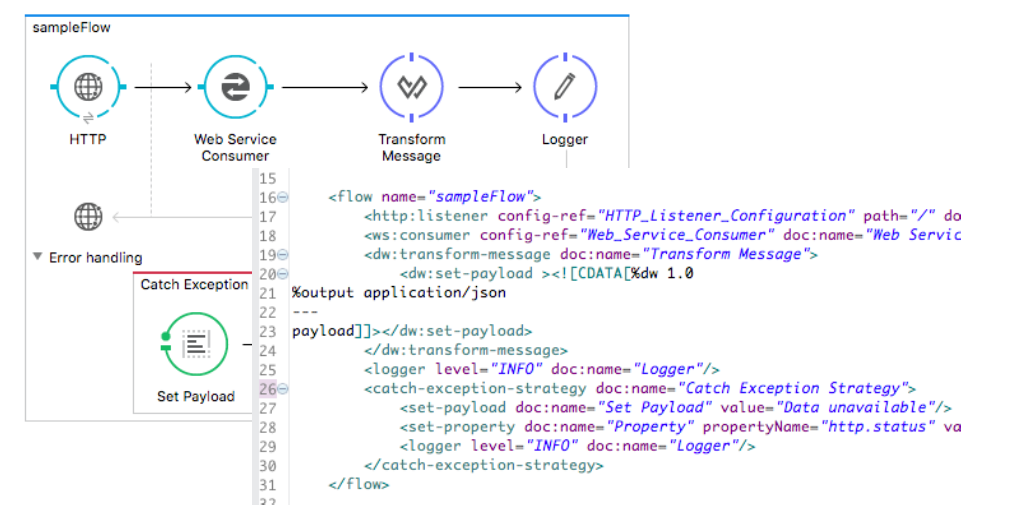
Anatomy of a Flow :
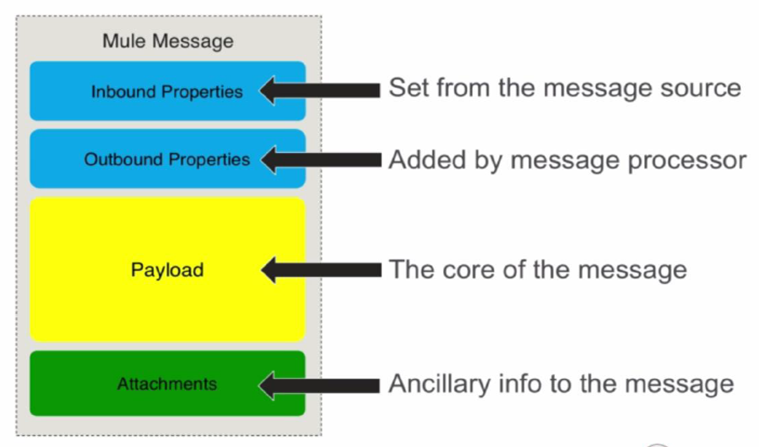
Mule Message
Related Articles:-