Running repetitive system maintenance tasks manually—such as taking database snapshots, rotating system log files, or executing periodic system cleanups—introduces human error and drains system administrator resources. In Linux systems, the background cron daemon handles time-based job scheduling, executing commands automatically at specified intervals.
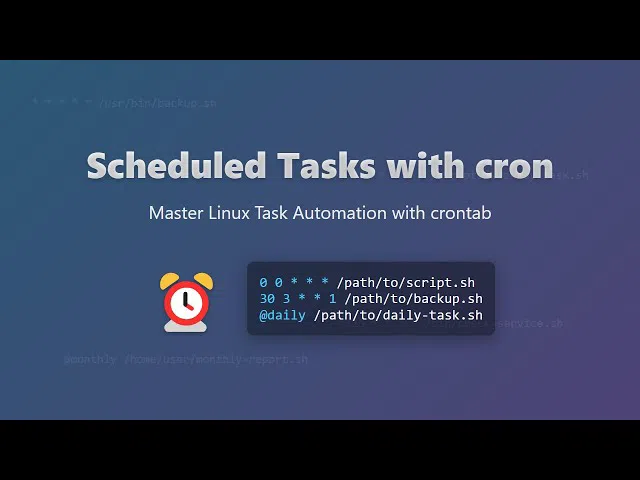
Learning automated system scheduling via structured CentOS and Linux administration guides helps DevOps engineers keep production environments healthy without manual intervention.
In this deep dive, we break down crontab syntax, special time macros, environment variable traps, and logging routines for automated job execution.
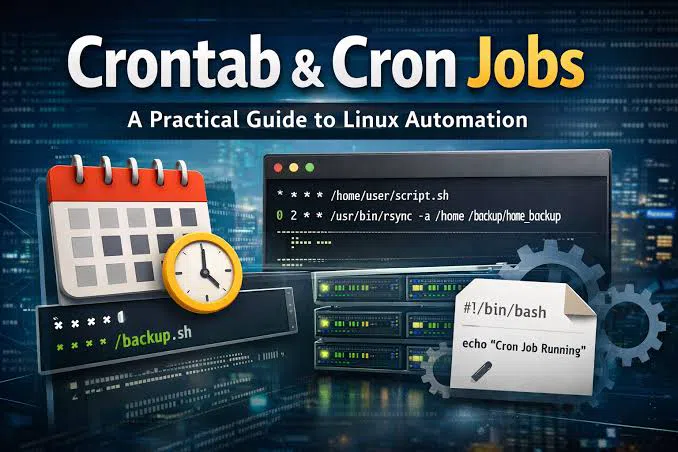
Understanding the Crontab Time Syntax
A crontab file uses a 5-field time expression followed by the shell command to execute:
┌───────────── minute (0 - 59)
│ ┌───────────── hour (0 - 23)
│ │ ┌───────────── day of the month (1 - 31)
│ │ │ ┌───────────── month (1 - 12)
│ │ │ │ ┌───────────── day of the week (0 - 6) (Sunday = 0 or 7)
│ │ │ │ │
* * * * * command_to_execute
Common Scheduling Examples:
Every Night at Midnight:
Bash
0 0 * * * /usr/local/bin/backup_database.shEvery Monday Morning at 6:30 AM:
Bash
30 6 * * 1 /usr/bin/systemctl restart application_serviceEvery 15 Minutes:
Bash
*/15 * * * * /usr/bin/python3 /opt/scripts/health_check.py
Managing User Crontabs in Linux
System administrators interact with the crontab service using standard terminal commands:
Edit Current User's Crontab:
crontab -eList Active Cron Jobs:
crontab -lRemove All Active Jobs:
crontab -r
+-------------------------------------------------------------------+
|                  Useful Crontab Shortcut Macros                   |
+-------------------------------------------------------------------+
| Macro       | Equivalent Schedule | Typical Use Case              |
+-------------+---------------------+-------------------------------+
| @reboot     | Run once at startup | Starting background daemons   |
| @daily      | 0 0 * * *           | Daily log rotation            |
| @weekly     | 0 0 * * 0           | System update checks          |
+-------------+---------------------+-------------------------------+
Capturing Cron Output and Error Logs
By default, cron attempts to email output logs locally. In production environments, redirecting standard output (stdout) and standard error (stderr) to dedicated system log files is critical for auditing:
Bash
0 2 * * * /opt/scripts/cleanup.sh >> /var/log/cron_cleanup.log 2>&1
Mastering shell script automation alongside cron scheduling on Root Learning gives IT professionals the skills required to run self-maintaining Linux servers. Accessing step-by-step tutorials across Root Learning helps system operators eliminate manual workloads safely.